📷
Camera tracing
Place a sketch over the live camera view and draw with camera support directly on paper using a simple AR-style guide.
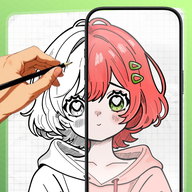
AR Drawing: Kawaii art helps you learn to draw cute sketches, kawaii characters, and your own gallery photos step by step with a clean camera overlay built for easy practice.
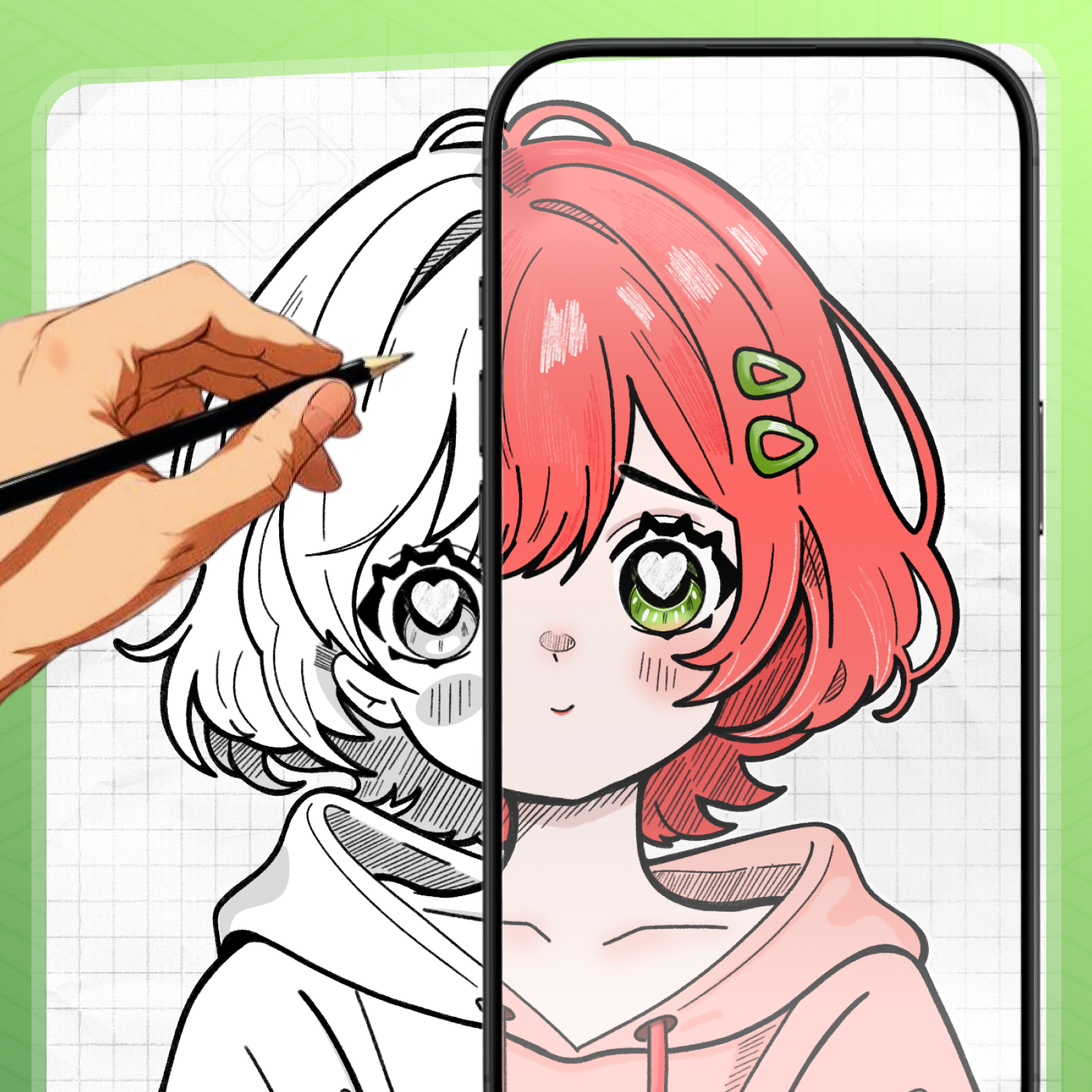
Learn to draw cute characters step by step, practice clean lines, and turn your own photos into easy drawing references.
Place a sketch over the live camera view and draw with camera support directly on paper using a simple AR-style guide.
Practice cute characters, kawaii art, and clean line sketches using ready-made lessons and step-by-step templates.
Adjust opacity, move and scale the overlay, mirror the image, use the flashlight, and record your drawing process.
Explore the app style, drawing workflow, and kawaii-inspired artwork used across the experience.
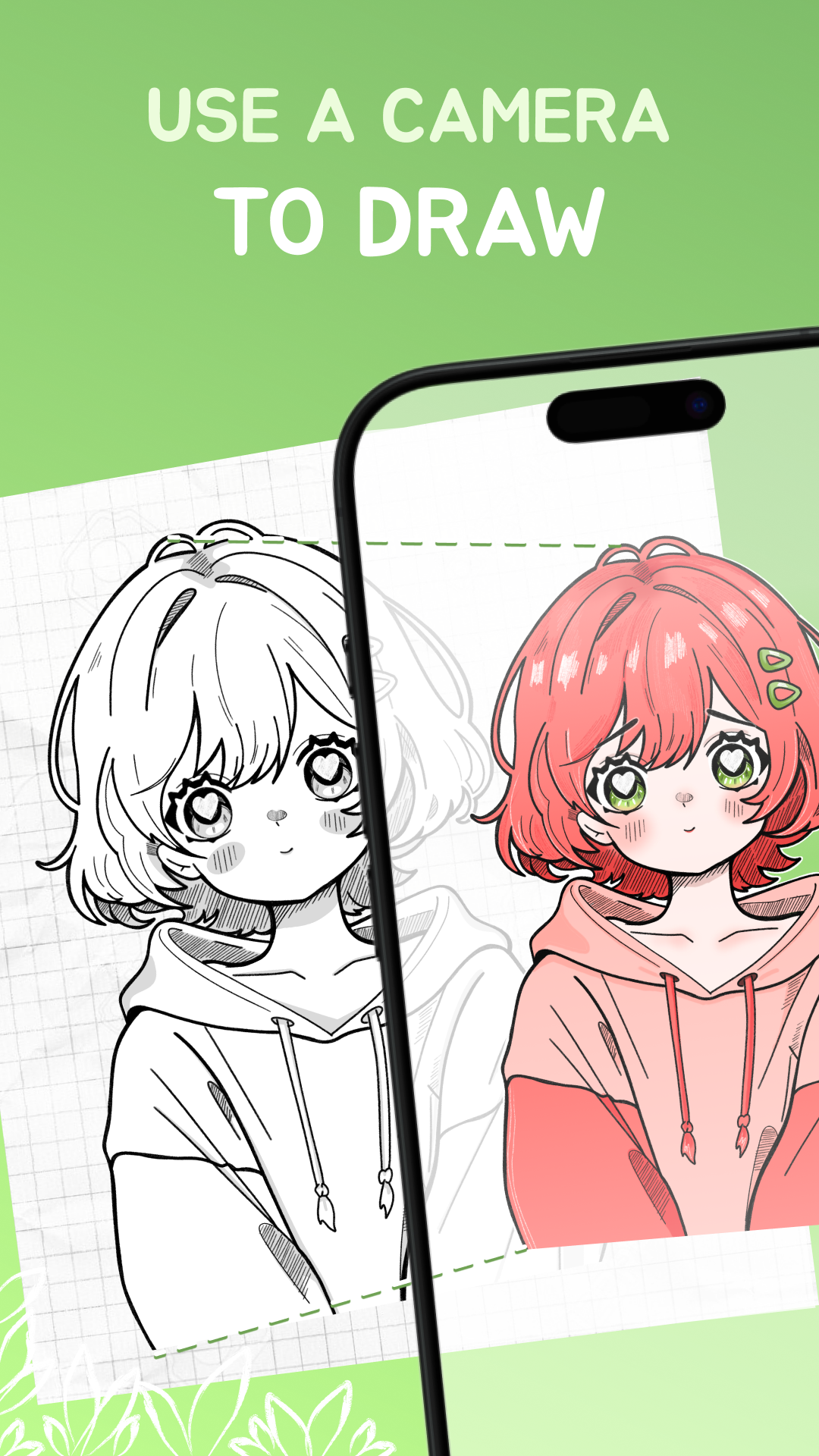
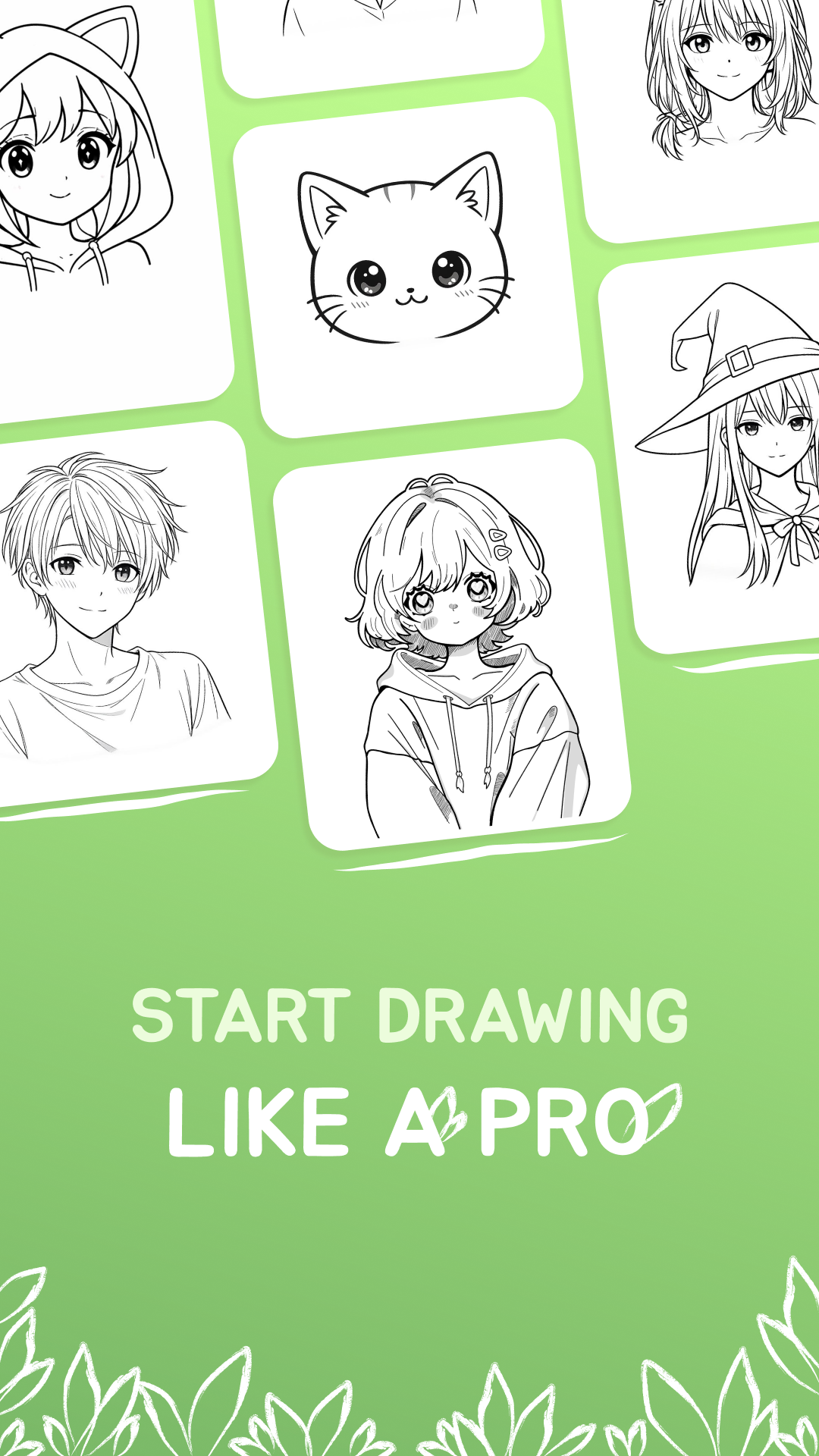
Use the app as a simple drawing app for beginners to trace kawaii art, cute sketches, and photo-based references with your phone camera.
Choose a kawaii drawing, a cute sketch, or import your own photo to create a trace drawing reference.
Open the AR drawing camera overlay, place the artwork over your paper, and adjust size, opacity, and position.
Follow the outline step by step, improve your drawing control, and save your process with timelapse recording.
Use AR Drawing: Kawaii art to trace on paper, follow cute outlines, and practice with your own images whenever you want.
Quick answers for people looking for an AR drawing app, a trace drawing tool, or an easy way to learn to draw kawaii art.
AR Drawing: Kawaii art is a drawing app that helps users trace kawaii art, cute sketches, and photos with a camera overlay.
Open a template or your own image, place the overlay over the camera view, align it with paper, and trace the outline step by step.
Yes. You can import your own images from the gallery and use them as trace drawing references inside the app.
Yes. The app is made to help beginners, teens, and creative users practice drawing in a simple and approachable way.
Yes. The app includes timelapse recording so you can save your drawing process on your device.
Yes. You can start using the app without account registration or sign-up. The app includes ads, and some lessons or features may require watching ads.